


My Ultimate PC Apps Blueprint: The Essential Software Toolkit I Always Use
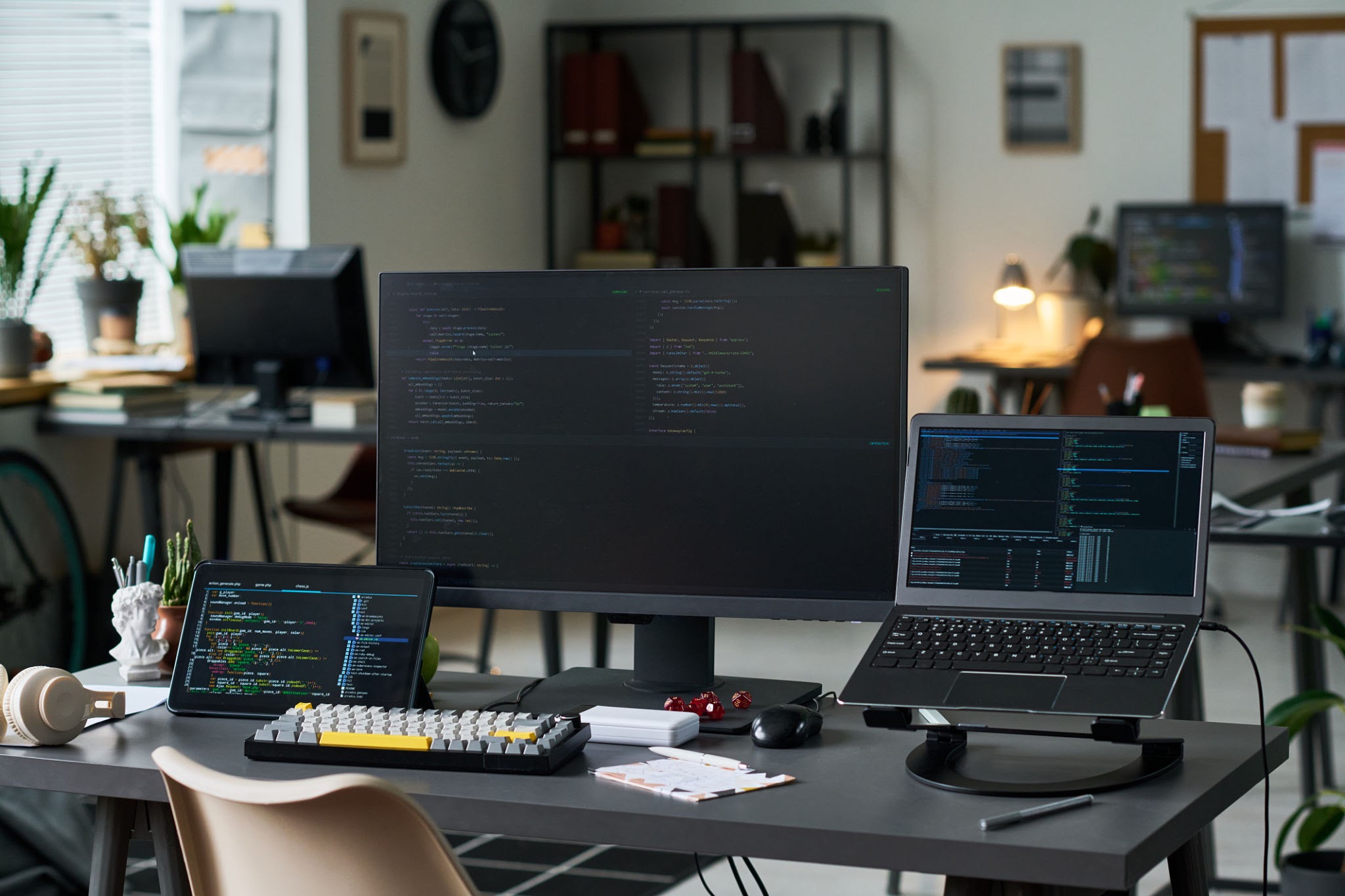
Every power user needs a foundational software toolkit that transforms raw hardware into a hyper-efficient machine. Over years of building apps, managing digital marketplaces, and editing media, I have dialed in the exact apps that make it onto my storage drives every single time.
This curated, deduplicated list breaks down my essential desktop applications into functional categories. Bookmark this page—I will keep this master layout updated as versions change and new tools earn their place.
1. Development & Database Management
The bedrock of my engineering workspace for local scripting, package tracking, and coding.
- Visual Studio Code: The absolute king of lightweight, extensible text editors for front-end architecture and backend frameworks.
- Sublime Text & Notepad++: Blazing-fast secondary editors used for rapid scratchpad notes, code snippets, and heavy text filtering.
- Local & XAMPP: Mandatory environments for running local databases and spinning up staging websites effortlessly.
- Composer: The essential dependency manager for running PHP and Laravel packages.
- Git: Core version control infrastructure for tracking repository updates.
- Python: Kept deployed for automating repetitive data workflows, image folder indexing, and pricing scripts.
- FileZilla: A reliable FTP/SFTP client used for quick server connections and backend folder management.
- Cyotek WebCopy & WinHTTrack: Specialized tools used to copy down public website directories or structures locally for reverse engineering and layout auditing.
2. Creative Suite & Video Post-Production
The tools behind high-end visual design and smooth rendering workflows.
- Adobe Premiere Pro & Photoshop: The industry standards for premium digital video editing and graphic design asset creation.
- Figma: Essential browser-and-desktop design environment for drafting web templates and app wireframes.
- Film Impact Premium Transitions: Fast, high-end GPU-accelerated transition libraries that lock directly into Premiere Pro’s engine.
- Twixtor: The premier optical-flow plugin used to generate ultra-smooth, high-quality slow motion inside After Effects and Premiere sequences.
- Magic Bullet Suite & Red Giant Link: Crucial plugins utilized for cinematic color correction, digital grading, and visual effects asset licensing.
- Audacity: A lightweight, multi-track audio workstation utilized for cleaning audio clips and dropping background hiss.
- oCam: A low-overhead desktop recording utility perfect for capturing rapid on-screen software demos or visual bugs.
3. High-Speed Productivity & Knowledge Management
Apps designed to reduce keyboard friction and organize complex information.
- Obsidian: My primary localized Markdown vault for managing interconnected thoughts, code documentation, and strategic workflows (migrated away from Notion for speed and offline data privacy).
- Everything: A legendary file utility that bypasses slow standard OS queries, indexing entire internal storage systems for instant name-based lookups.
- Wox: An open-source launcher that hooks into search engines and application directories to execute quick tasks right from your keyboard.
- CopyQ: An advanced clipboard manager that tracks a rich history of text, layouts, and image objects, ending the frustration of losing copied lines.
- OneDrive & Cloud Mail.Ru: Reliable cloud storage applications working silently in the background to ensure data layers are synchronized and securely backed up offsite.
4. Hardware Diagnostics & Storage Maintenance
Keeping physical solid-state drives and operating system components running lean.
- CrystalDiskInfo: Crucial health monitoring software that reads drive temperatures and alerts you before hardware degradation turns into a data disaster.
- CrystalDiskMark: A performance-focused disk utility to run benchmarks on read/write speeds, evaluating raw SSD throughput.
- TreeSize: A drive visualizer that scans storage spaces to isolate hidden, oversized temporary directories, making system cleaning effortless.
- Winaero Tweaker & Open-Shell: Personalization tools utilized to strip out operating system bloat, restore clean legacy menus, and customize locked desktop styles.
- Unlocker: A lightweight utility that forces the system to drop active background hooks on locked files, letting you delete or rename stubborn objects instantly.
- TransMac: A specialized disk tool capable of opening, reading, and writing Apple-formatted drives directly from a Windows desktop environment.
5. Everyday Browsers, Communication & Extras
Media playback, communication hubs, and general day-to-day web infrastructure.
- Browsers (Google Chrome, Firefox, Microsoft Edge, Yandex): Deployed concurrently to test responsive layouts across distinct web engines while isolating professional management accounts.
- Telegram & Discord: My primary communication lines for managing developer teams, clients, and community tracking.
- MPC-HC & AIMP: Fast, lightweight video and music players that launch immediately without consuming heavy background RAM resources.
- Chrome Remote Desktop: Frictionless remote access software to check up on machines or automated workflows from any external device.
- 3uTools: An all-in-one desktop companion utility for managing data, backups, and configurations on iOS devices.
- qBittorrent: A fast, open-source torrent client explicitly used for moving large data files or public open-source image distributions without bundled adware.
- Seed4.Me: A simple, integrated virtual private network to protect local connections when running external server audits.
- Office Suite (Microsoft Word, Excel, Logi Options+ Addins): Crucial tools for running data models, organizing inventory grids, and keeping external peripherals fine-tuned.
Summary & Conclusion
Core App Categorization Matrix
| Workspace Layer | Primary Applications | Core Benefit |
|---|---|---|
| Development | VS Code, Local, Git, Python, Composer, FileZilla | Fluid coding, site staging, data scraping |
| Creative Media | Premiere Pro, Photoshop, Figma, Film Impact, Audacity | High-speed video editing and vector layouts |
| Data & Velocity | Obsidian, Everything, Wox, CopyQ, OneDrive | Instant information recovery and shortcut speed |
| System Health | CrystalDiskInfo, TreeSize, Winaero Tweaker, Unlocker | Eliminating bloatware and protecting drive health |
Conclusion
A machine is only as powerful as the layout of its applications. By keeping your software footprint carefully curated—balancing heavy creative engines like Adobe with lightweight, performance-focused utilities like Everything and CopyQ—you construct an OS that remains lightning-fast over years of continuous use. Keep this blueprint handy as your checklist next time you sit down to configure a fresh workstation from scratch!